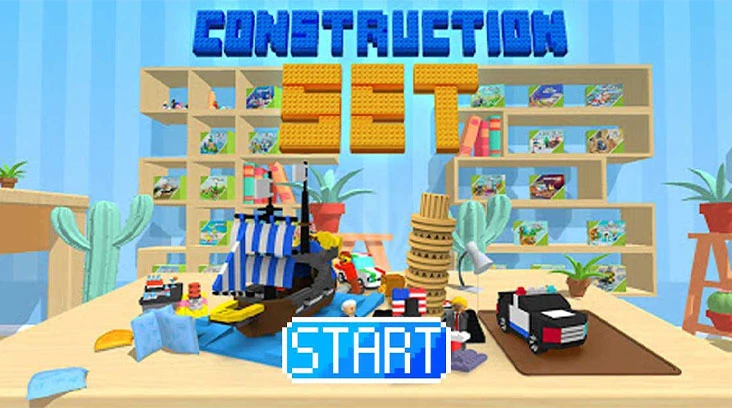
The play guide
How to play Construction Set
The Find panel specifies an exact part. Color is a useful clue, but shape and size distinguish similar pieces on the desk. A correct choice assembles automatically, so your job is careful identification rather than manually positioning each brick on the model.
Your goal
Identify the requested pieces until the model is complete.
Controls
Hold and swipe to open the box and packets, then tap the brick matching the Find prompt.
Your first round
- Hold and swipe through the box and packet opening prompts.
- Compare the requested part with the scattered pieces and tap the matching one.
- After it attaches, read the next Find image before selecting another part.
This guide is based on the supplied game instructions.
Tips for your next attempt
- Compare both the shape and color of the requested piece.
- Take time to inspect similar parts because incorrect selections cost a heart.
Watch out for
- A similarly colored piece can still have the wrong shape.
- Incorrect selections consume hearts, so rapid guessing can end the build.
Something not working?
Tell us the game name, your device and what happened at qian@minigame.com.