The play guide
How to play Supermarket Simulator
The shop grows through a repeated supply-and-sale loop. New floor space is useful only if goods can keep reaching its shelves, so the management choice is when to expand and when to strengthen the existing operation.
Your goal
Stock the shop, collect sales income and build a larger operation that can keep serving its customers.
Controls
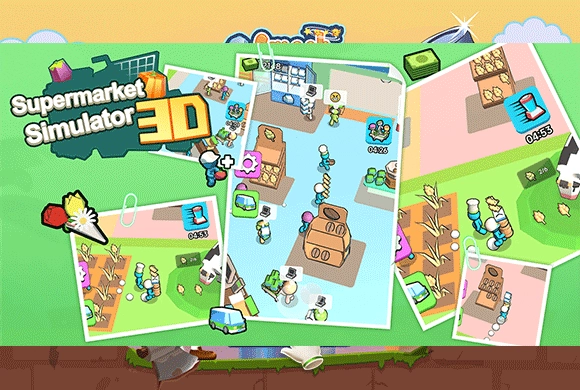
Move with the virtual joystick, WASD or arrow keys. Approach goods and money to collect them automatically. Stand on marked expansion plots to purchase them when you have enough cash.
Your first round
- Walk to the supply area, pick up goods and carry them to empty shelves.
- Collect the money customers leave and inspect which shelves need another delivery.
- Spend earnings on a new area, carrying or speed upgrades, or staff according to the work that is accumulating.
This guide is based on the supplied game instructions.
Tips for your next attempt
- Keep the shelves you already own supplied before opening another area that will need deliveries.
- If the same shelf empties repeatedly, shorten your delivery loop or consider staff before adding more products.
- Compare carrying capacity and movement speed upgrades with the part of the stocking trip that is slowing you down.
Watch out for
- Empty shelves cannot serve demand just because more floor space has been unlocked.
- Buying new areas uses funds that may also be needed to improve the current delivery routine.
Something not working?
Tell us the game name, your device and what happened at qian@minigame.com.